Album design software for wedding photographers
Fast hands, big ideas — zero album drama. Creative when you need it.
Import your entire wedding gallery, let Auto Build lay out every spread by your star ratings, refine each page by hand, and export print-ready files. The work of an afternoon, done before your coffee cools.
macOS & Windows · 7-day free trial · no credit card
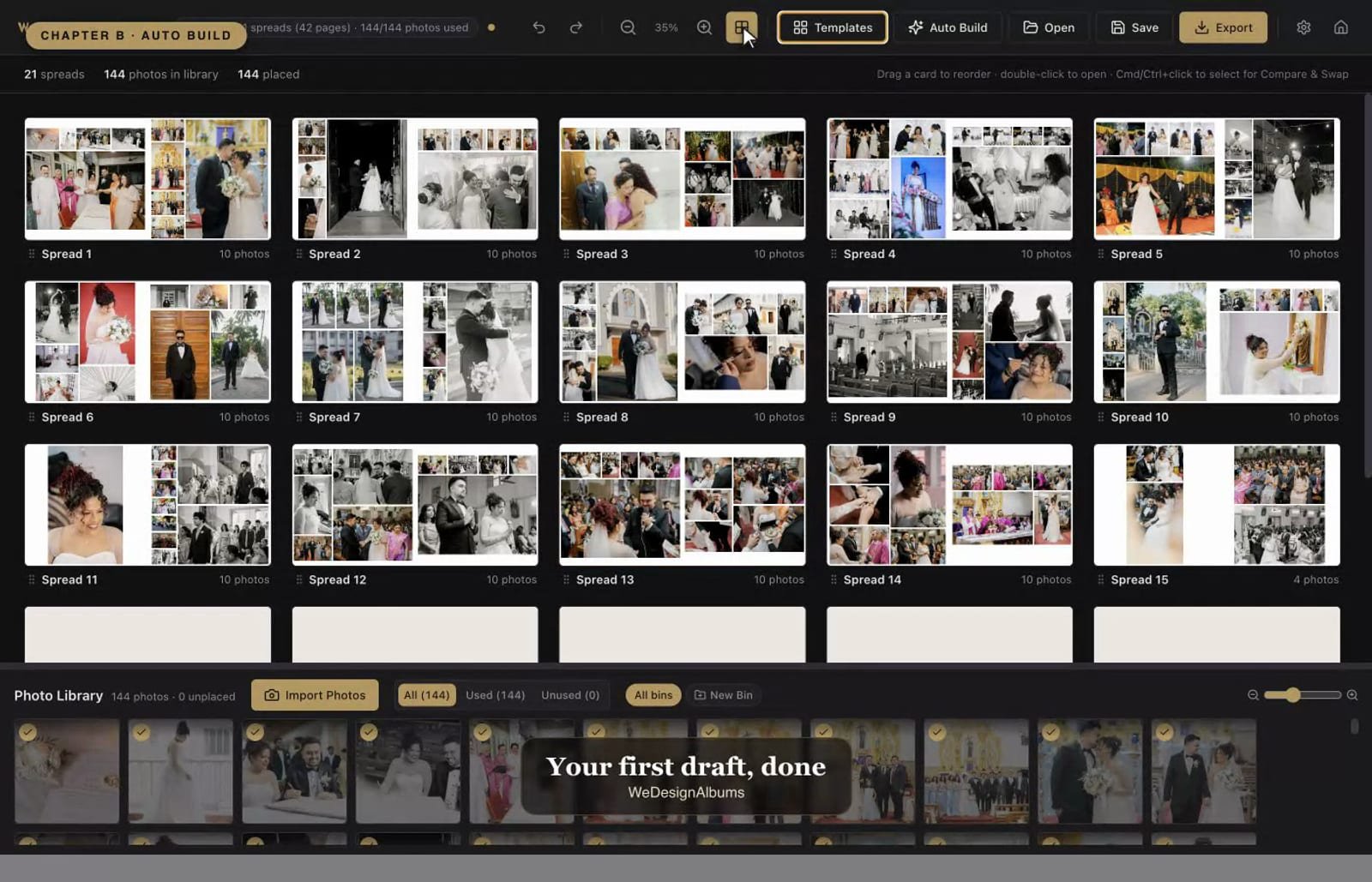
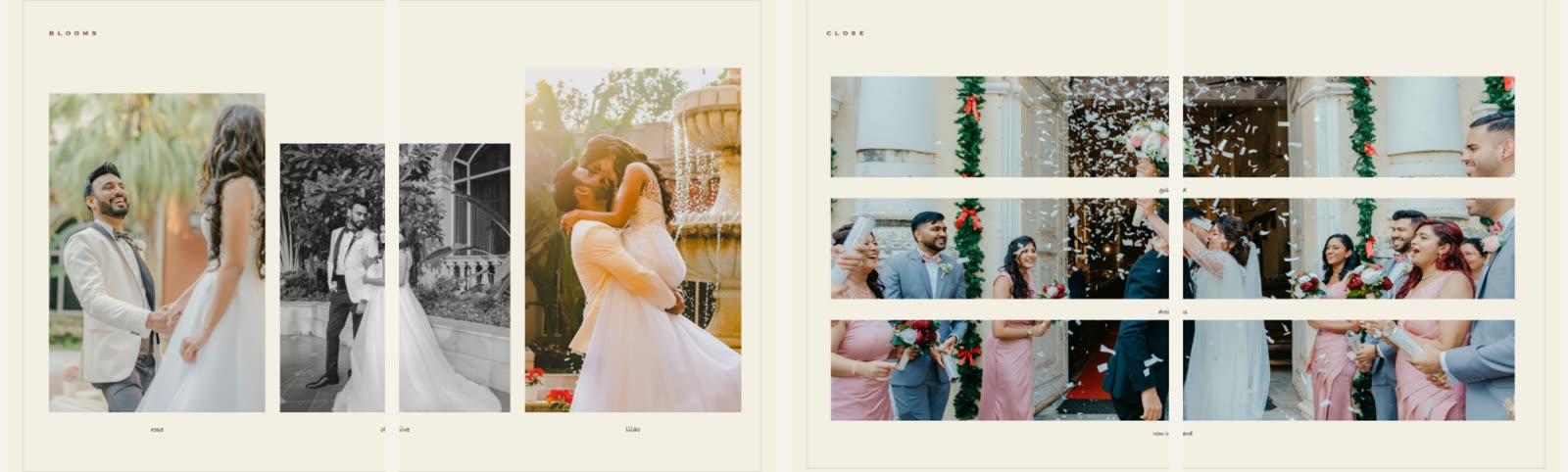
A 42-page album, auto-built from 144 photos — every spread laid out and ready to refine.
Built for the way photographers actually work
Why photographers switch
Fast where it should be automatic, precise where it should be hand-crafted.
Turn a folder of photos into a fully laid-out album in one click — a strong first draft you then make your own.
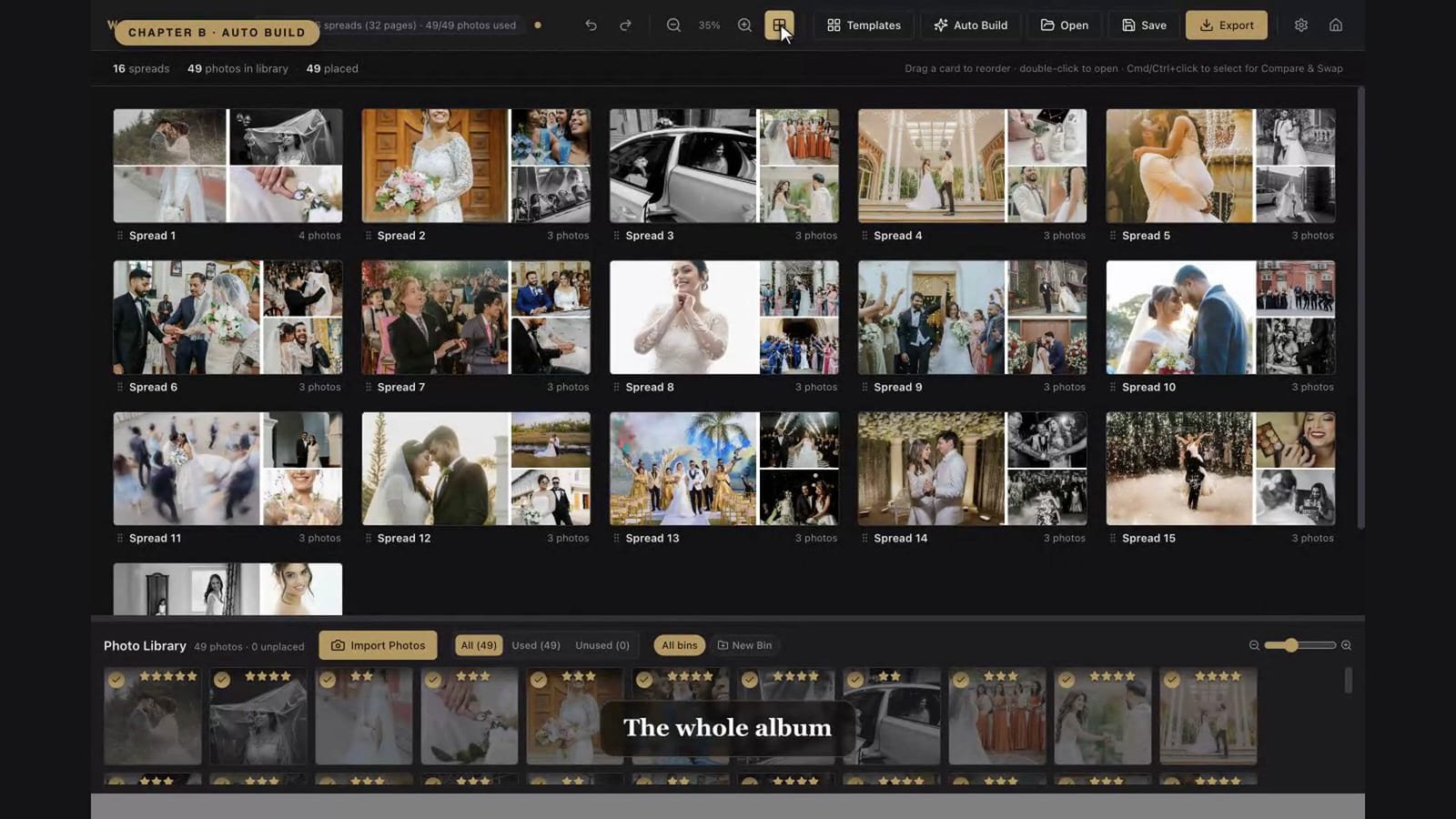
Star your favorites and Auto Build sizes each photo to match — a 5-star fills a spread, ordinary frames pack tighter.
Cycle spreads through dozens of templates, or reshape slots right on the page and save your own for reuse.
Reframe, zoom, rotate, border, feather and add gradients — with alignment guides that snap everything into place.
Hearts, circles, decorative frames, gradients and wedding-ready typography — clip a photo to any shape you like.
PDF, PNG or JPEG with a standard sRGB profile and proofing numbers, plus warnings for blank pages or low-res photos.
Design a spread just the way you like it, then save it as a reusable template and drop it onto any album later.
Apply ready-made design sets like a preset — one click styles a whole spread, art and all. Import a pack and reuse it across projects.
Turn a finished album spread into a seamless 2–4 slide Instagram carousel in under a minute — or design posts from scratch. See how →
A closer look
Import & Auto Build
Import hundreds of photos at once. WeDesignAlbums reads your filenames for order and your stars for emphasis, then builds every spread with balanced, aspect-aware layouts.
Refine every page
Double-click any spread to enter Edit Mode. Reframe a photo, resize and overlap slots, add borders and shapes, drop in names and dates — with smart guides keeping everything aligned.
Album spread → Instagram carousel
You already designed the spread for the album. WeDesignAlbums turns that same layout into a seamless 2-, 3- or 4-slide Instagram carousel in under a minute — no redesign, no second app, no cropping each slide by hand.
| Album spread | Carousel | Fit |
|---|---|---|
| 12 × 24" · 10 × 20" | 2 slides · Square 1:1 | Exact |
| 12 × 36" · 10 × 30" · 8 × 24" | 3 slides · Square 1:1 | Exact |
| 10 × 24" | 3 slides · Portrait 4:5 | Exact |
| 12 × 30" | 3 slides · Portrait 4:5 | ~4% trimmed at the edges |
Any other size works too — drag the image inside the post to choose exactly what stays in frame.
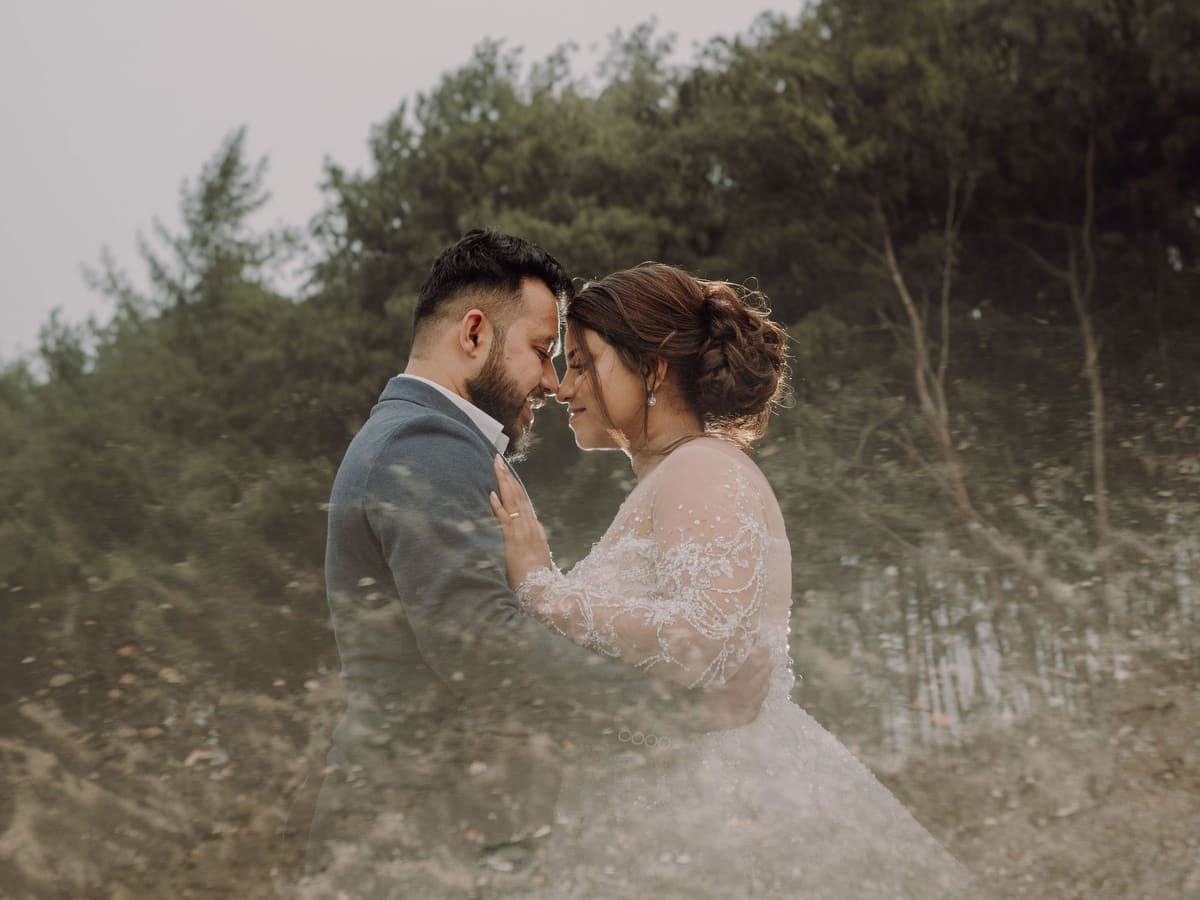
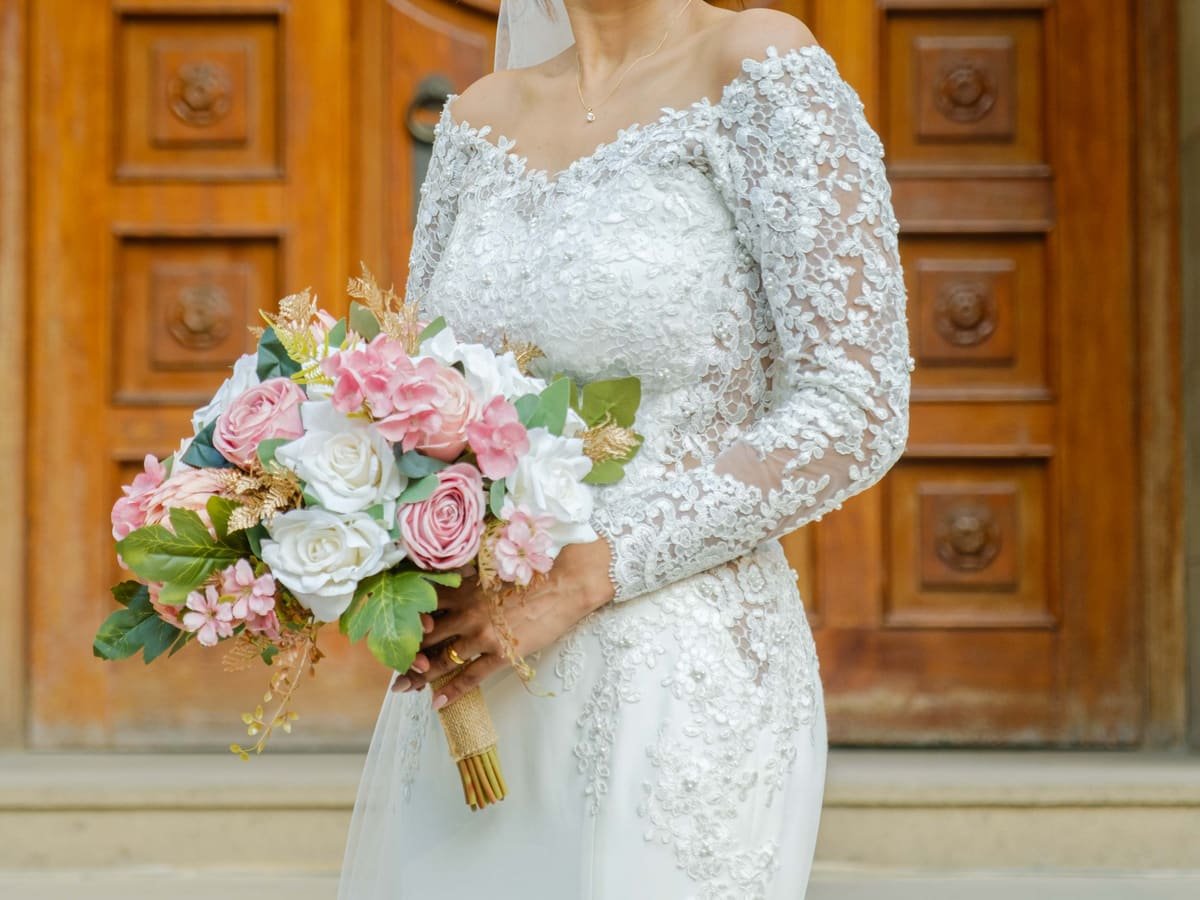
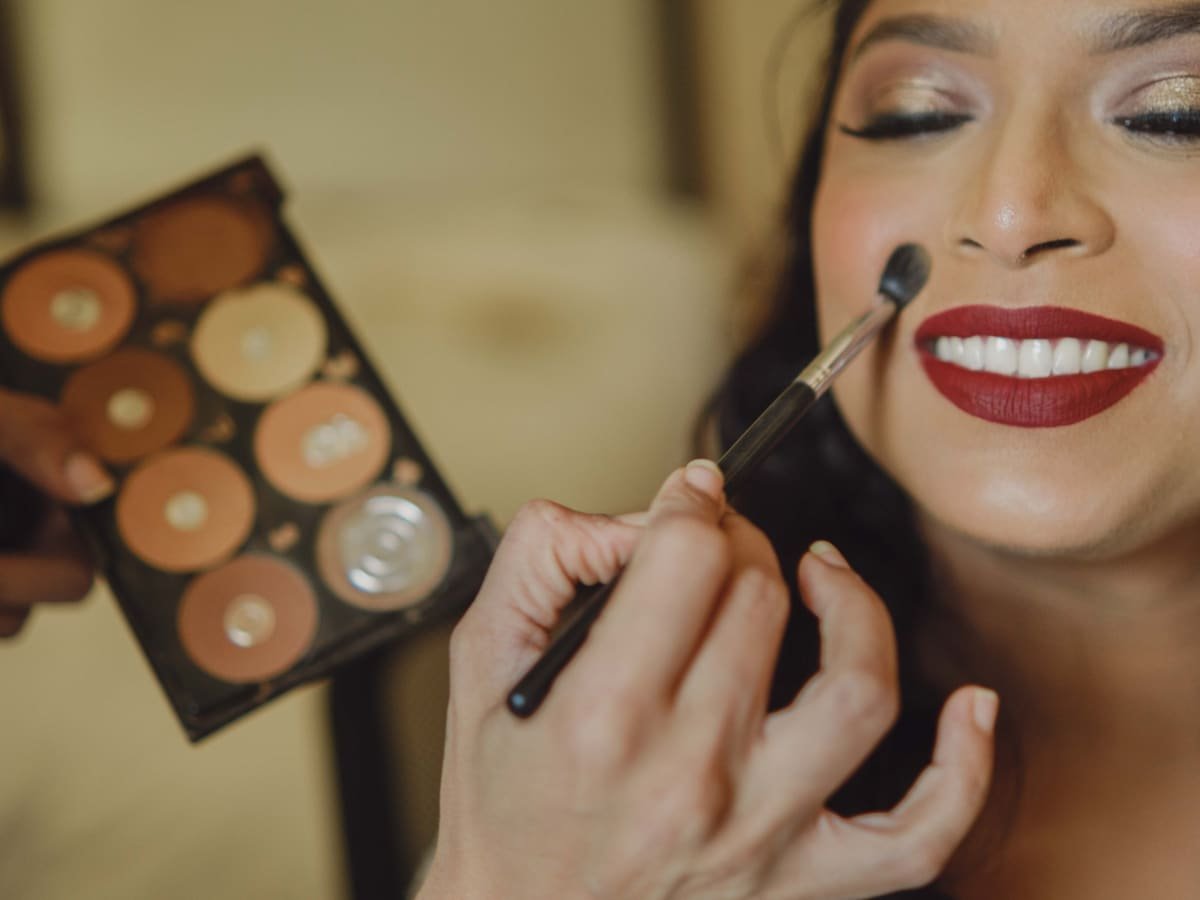
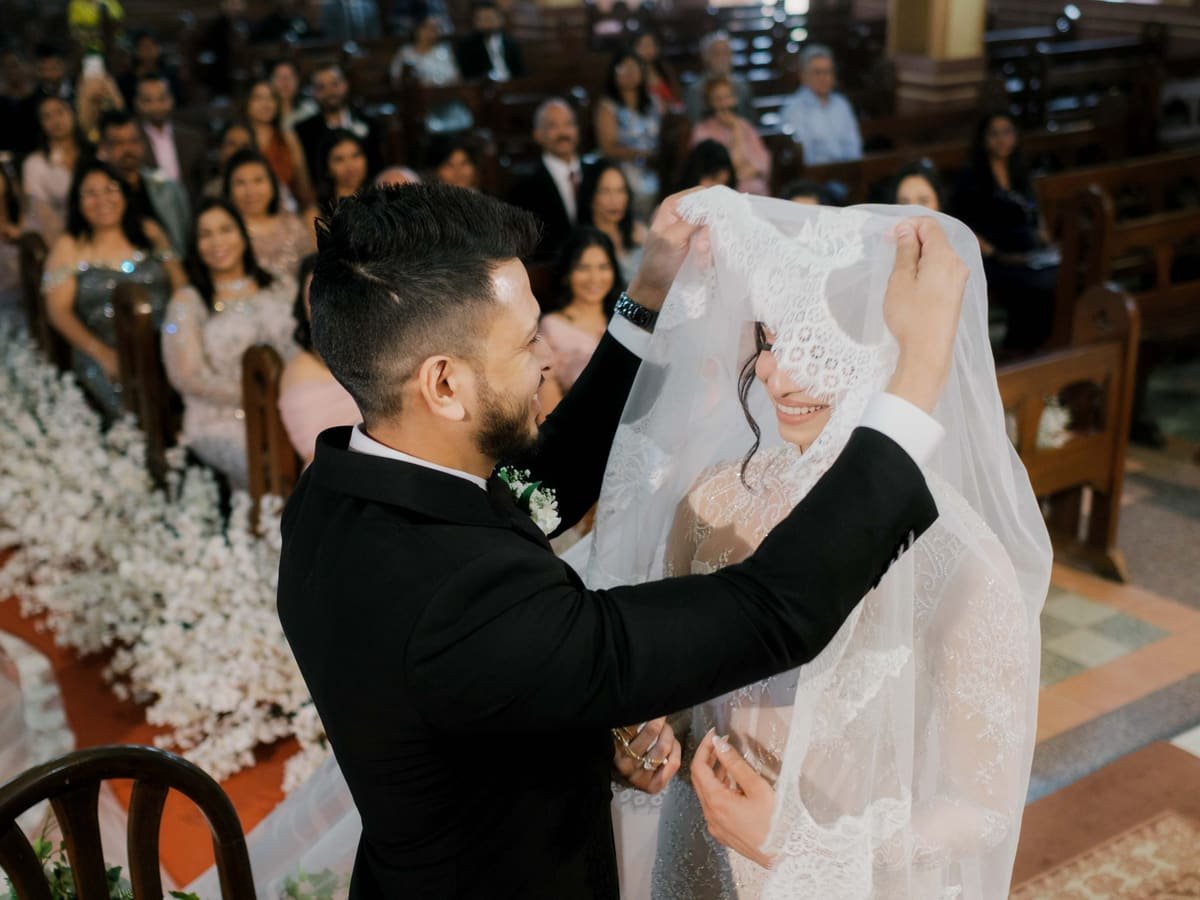
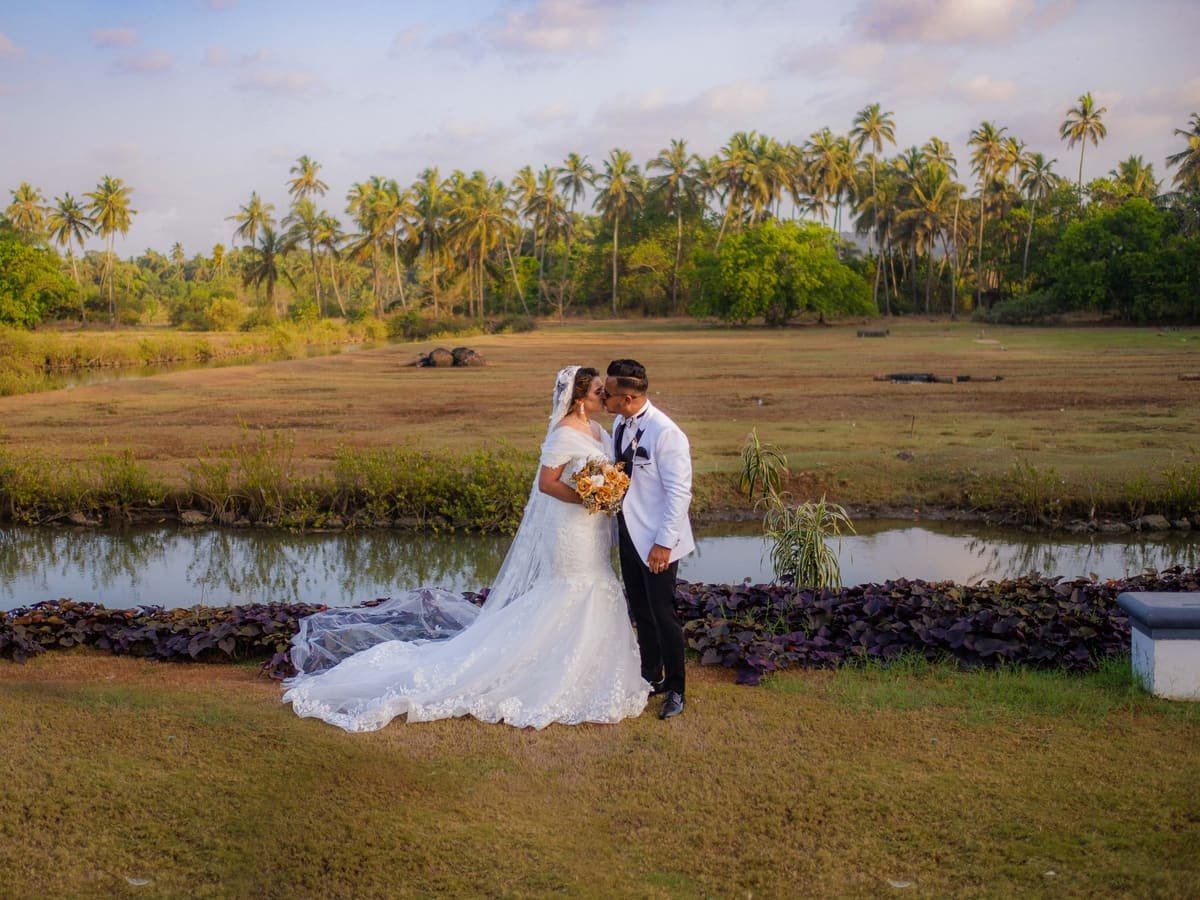
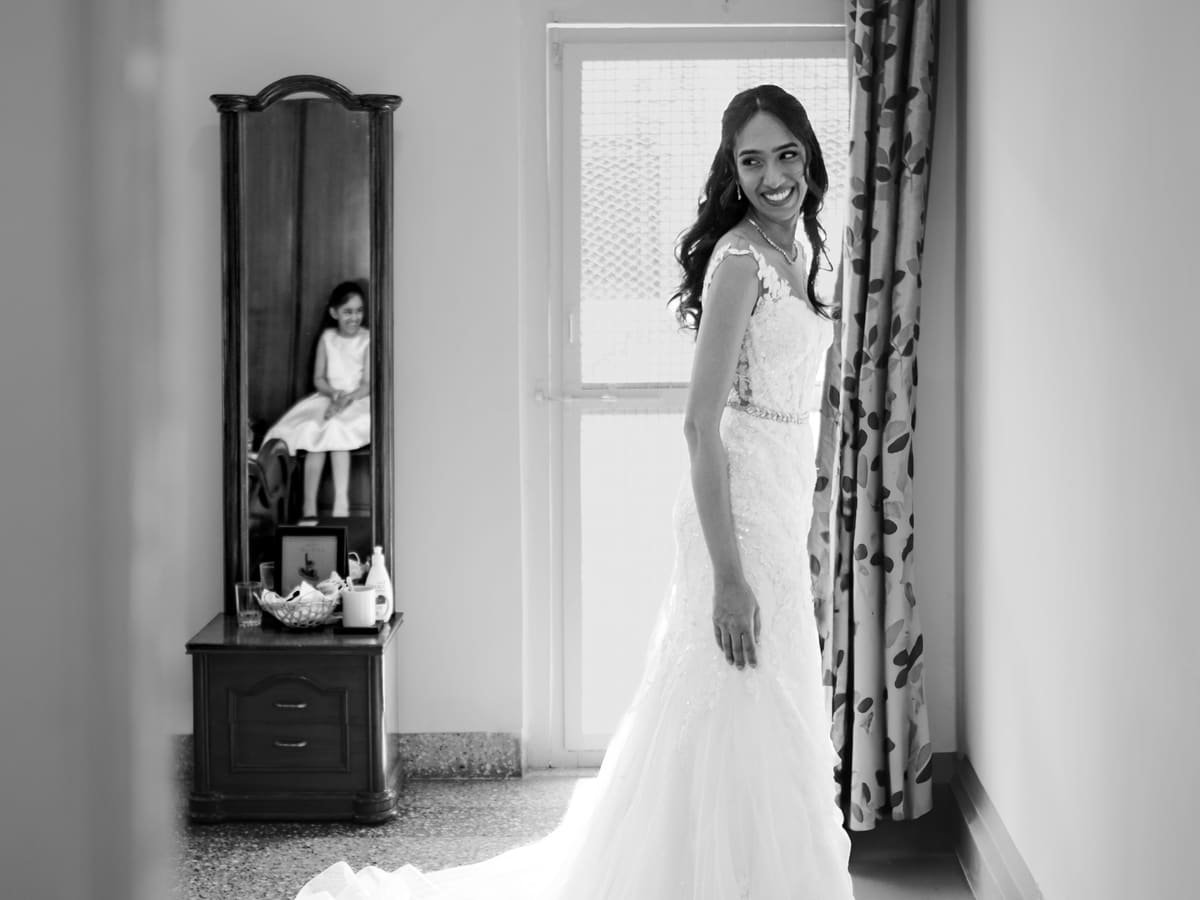
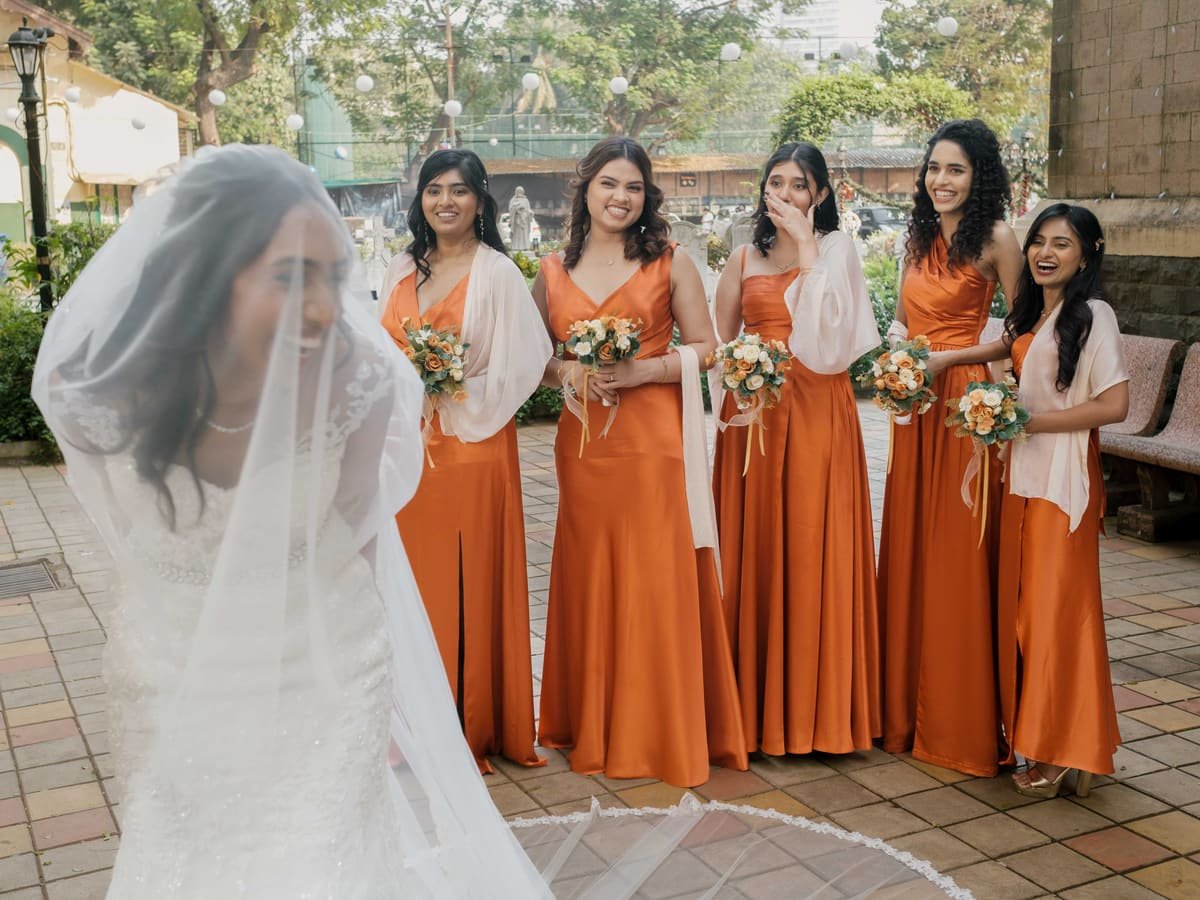
Made for moments like these

The workflow
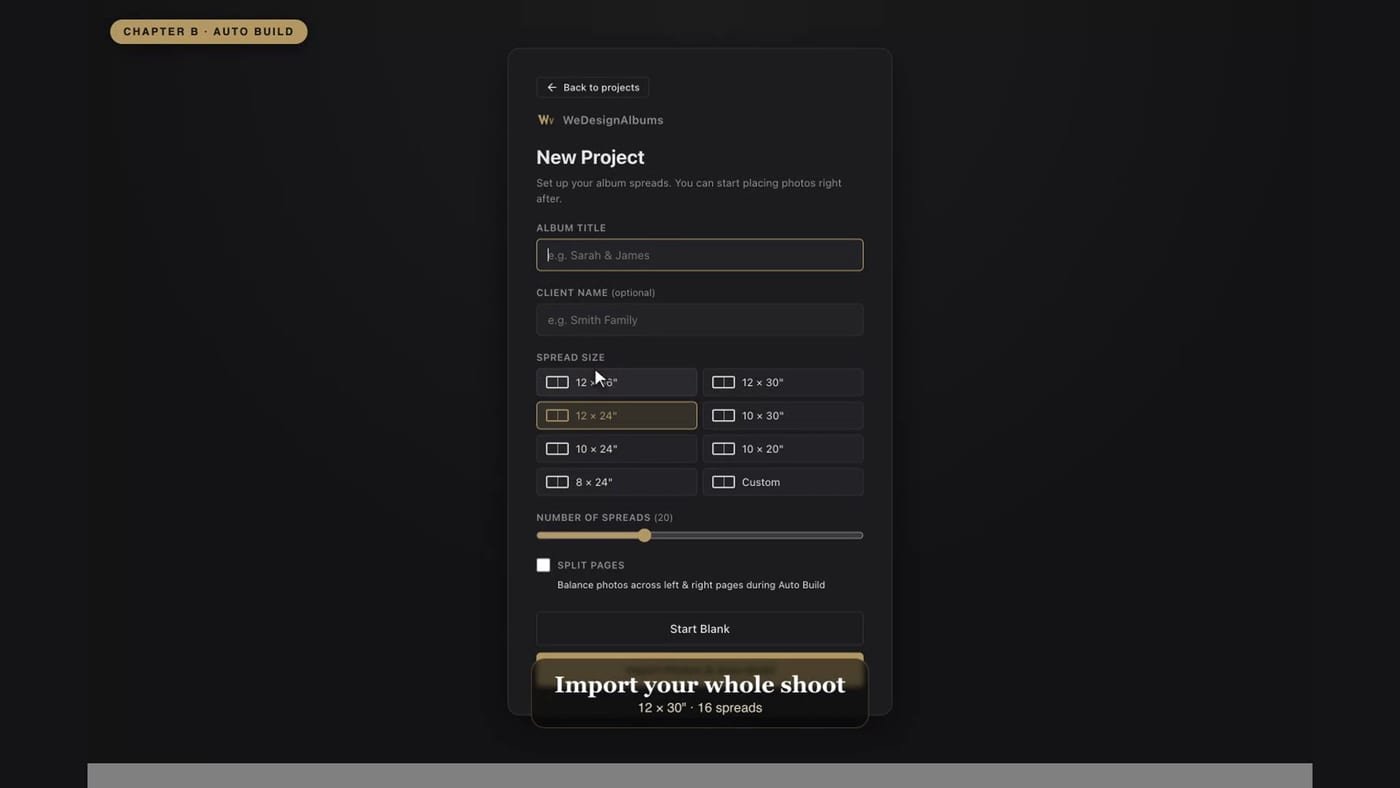
Pick a page size and drop in your whole gallery — no folders to wrangle.
One click lays out every spread, sized by the stars you gave each photo.
Reframe, restyle, add shapes and text, and sequence spreads in Grid view.
Export numbered proofs, get client sign-off, and fix anything flagged.
Print-ready PDF, PNG or JPEG with an sRGB profile baked in.
Step 1 — try it free
There's just one download — the complete app. Install it, open it, and start designing immediately: your 7-day trial begins automatically, every feature unlocked, no key or credit card. Enter a license any time to keep it for good.
Free 7-day trial · no key needed · v2.1.0. Get the download + install help →
Step 2 — unlock when you're ready
Try everything free for 7 days, then unlock the app with a single one-time purchase — no subscription, no recurring fees.
🚀 Online checkout goes live in a few days
We're finishing secure payment setup. Start the free trial now — and we'll email you the moment you can buy.
Start the free 7-day trialGet one email when licenses go on sale — no spam, ever.
Already bought? Open the app → Activate and paste your key. Activation help →
What photographers usually ask before they buy WeDesignAlbums.
WeDesignAlbums is desktop wedding album design software for Mac and Windows. You import a whole shoot, let Auto Build lay out every two-page spread automatically, refine any page by hand, and export print-ready album files — without designing each spread from scratch in Photoshop.
WeDesignAlbums is a one-time purchase of ₹3,499 in India (₹7,570, about $79, for international buyers, billed in INR) — there is no subscription and no recurring fee. It is a lifetime license that activates one computer per key, and the key is emailed to you instantly after purchase.
Yes. WeDesignAlbums runs on both Windows and macOS (Apple Silicon and Intel). Download the installer for your platform from the trial page; the current release is v2.1.0.
One license key activates one computer. If you want to run it on both a Mac and a PC, you need a license for each; the trial and each license are tracked per computer.
Yes — a full 7-day free trial with no credit card and no account. You get every feature, including print-ready export, with no watermark for the whole trial. It starts on its own the first time you open the app.
Both. Auto Build lays out every spread for you, sizing each photo by the star rating you give it, so a whole shoot becomes a designed album in one step. You can then open any spread in Edit Mode to reframe, resize, overlap, add text or shapes, and change backgrounds by hand.
WeDesignAlbums works in real album dimensions and includes standard spread sizes plus a custom size option, so you can match the exact page size your album company prints — for example popular 12×30 and 12×36 inch spreads.
Yes. Export is print-ready PDF, PNG or JPEG at full resolution with an embedded sRGB color profile, so the file the lab receives matches what you designed. A built-in low-resolution warning flags any photo that would print soft before you send it.
Yes. Export the album as a PDF and email it to your client straight from your own mail app. Turn on Proofing first and every page gets a "Spread N of Total" stamp and every photo a number, so a client can say exactly which image to change.
Yes, in under a minute. Export the spread as a JPEG, start a New Instagram Post, drop the image on it, and set its span to 2, 3 or 4 slides. Export gives you one full-resolution image per slide, numbered in order, that line up seamlessly when uploaded as one carousel. A 12×24" spread fits two square slides exactly; 12×36" fits three square slides; 12×30" fits three 4:5 portrait slides.
WeDesignAlbums is purpose-built for album spreads, so it does in minutes what takes hours in Photoshop. Auto Build lays out an entire album by rating instead of you placing every photo on a blank canvas, templates apply a whole designed spread in one click, and export is already sized and color-managed for the printer — no manual guides, smart objects, or per-page files to manage.
Buy on this site — pay securely via Razorpay (UPI, cards or netbanking) and your license key is emailed to you instantly. Then open the app, click Activate, and paste the key to unlock it permanently on that computer; your saved projects stay exactly as they were.
Get in touch
Whether it's about the free trial, a license, a feature request, or just to say hello — send us a note and we'll get back to you.
wedesignalbum.help@gmail.comWe usually reply within a day.